
3D Preview
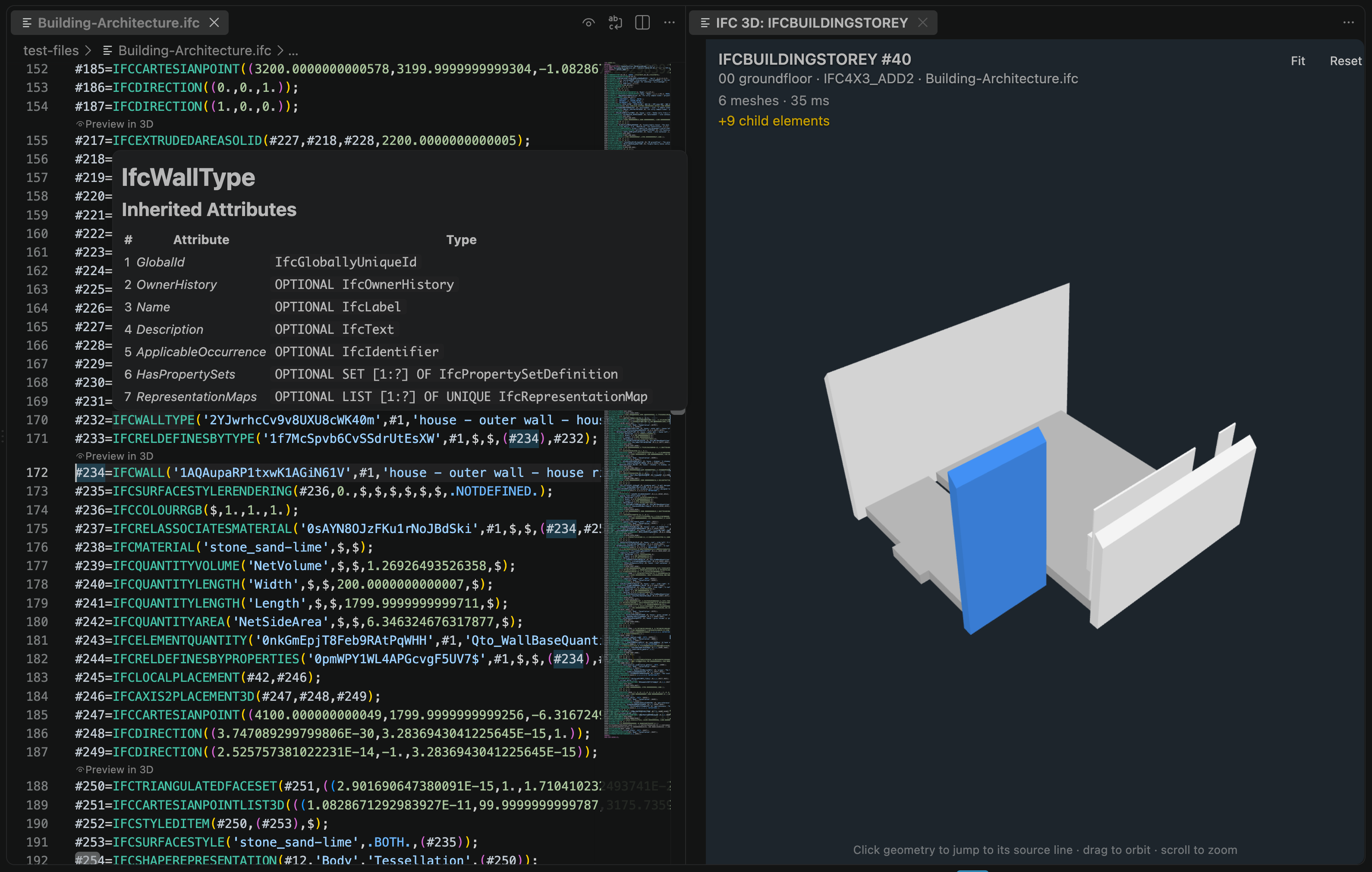
The 3D preview renders an individual IFC element without opening the whole model in a dedicated BIM viewer.
Open the Preview
Place the cursor on an element and use one of these entry points:
- run
IFC: Preview Element in 3Dfrom the Command Palette - use the editor context menu
- use the
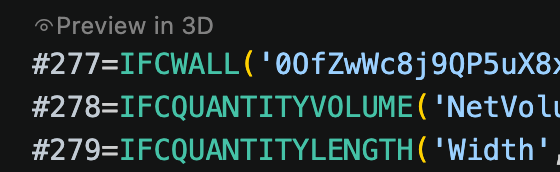
Preview in 3DCodeLens above an element with geometry
Behavior
The extension extracts the selected element's reference closure into a small sub-model. Geometry is produced by web-ifc and rendered with three.js.
When ifc.viewer.includeChildren is enabled, the preview also includes decomposition or assembly children where available.
When ifc.viewer.includeHostedElements is enabled (the default), previewing a wall or another host also renders products that fill its openings, such as doors and windows. Opening geometry is always included so host cut-outs remain correct even when filling products are disabled.
Click rendered geometry in the 3D viewer to jump back to its relevant definition in the IFC STEP file.
Picking follows the preview context. In a wall, storey, assembly, or other multi-product preview, each product is selected as a whole. When a single product is previewed directly, its individual geometry parts can be selected to jump to or preview their representation definitions. Geometry that cannot be previewed independently remains selectable for source navigation.
The Back and Forward buttons keep a short history of previews within the current viewer panel. Returning to an earlier preview also returns the editor to that preview root's IFC definition. Opening a new preview after going back discards the previous forward branch.
Limitations
The preview is bounded by ifc.viewer.maxFileSizeMb. Only the selected element and related references are rendered, but the source file still needs to be scanned.